Case study 003
A content systemthat creates full campaigns.
We built a system that turns product photos and a creative brief into finished campaign images. The team can change the model, outfit, location, crop, and size.
- Client
- Consumer brand
- System
- Campaign production
- Type
- Case study
- Published
- 20 July 2026
 Campaign output / Wide
The point
The brief becomes a repeatable production run.
The team can change the creative choices, review the product, and export every format without starting again.
One product needs many images. Each market, channel, model, location, crop, and size adds another version. We made those versions part of one production run.
01 / Why production was slow
A new image meant starting again.
A campaign is rarely one hero image. The same product needs a product page, paid social, organic content, email, retail material, and launch assets. Each channel asks for different framing and resolution. New markets introduce new locations, seasons, and casting.
A prompt can make one image quickly. A campaign needs the product to stay accurate across many images. Without a shared process, product details drift, creative choices get lost, and approved work disappears among rejected versions.
02 / What the team controls
Keep the product fixed. Change the campaign.
The workflow starts with a product pack and a compact campaign brief. Product truth stays fixed. The creative team can then select or replace the model, styling, location, composition, channel, and output specification.
Packshots, product references, colours, materials, and details that cannot change.
An approved model, casting direction, pose, expression, and framing.
Outfit references, accessories, hair, make-up, and the intended level of polish.
Studio, interior, street, coast, season, light, and atmosphere.
Channel, crop, aspect ratio, resolution, file format, and number of variations.
03 / How a run works
Every run follows the same steps.
The system assembles the selected references and production rules, creates a set of candidates, and keeps the run attached to its brief. Reviewers can accept, reject, or revise an output without losing the choices that produced it.
The request includes the resolution and aspect ratio. A chosen image is prepared for its actual channel and stays linked to the approved source.
04 / Finished images
The same product in four settings.
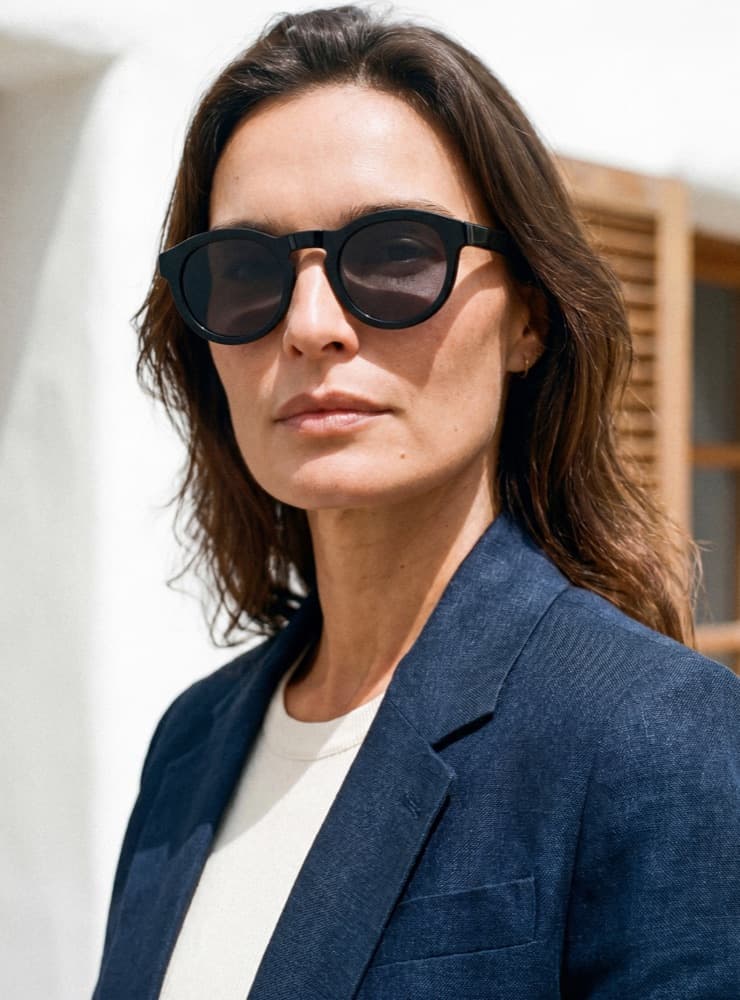
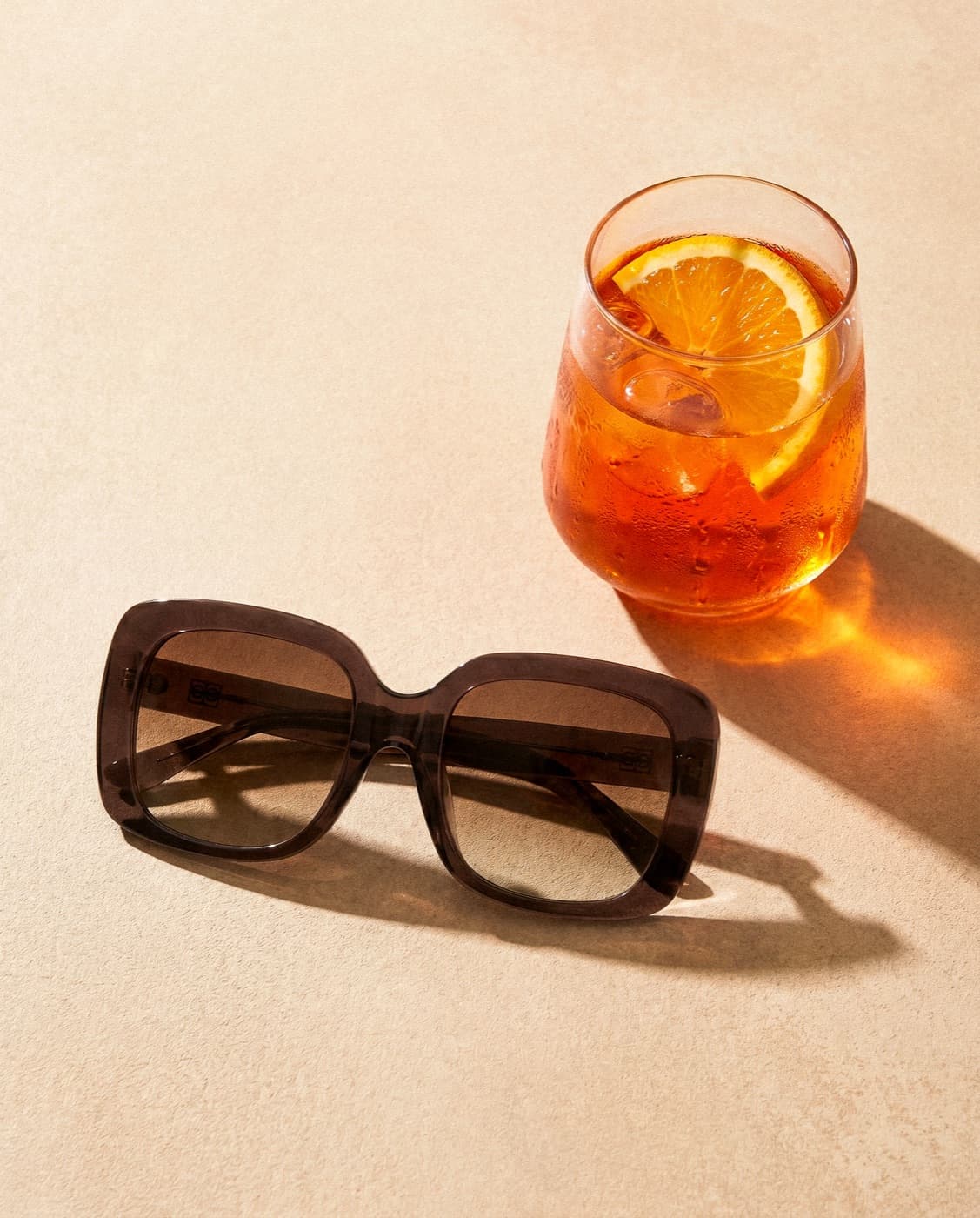
The system made close-up, indoor, outdoor, still-life, and wide campaign images. The examples below are finished outputs.

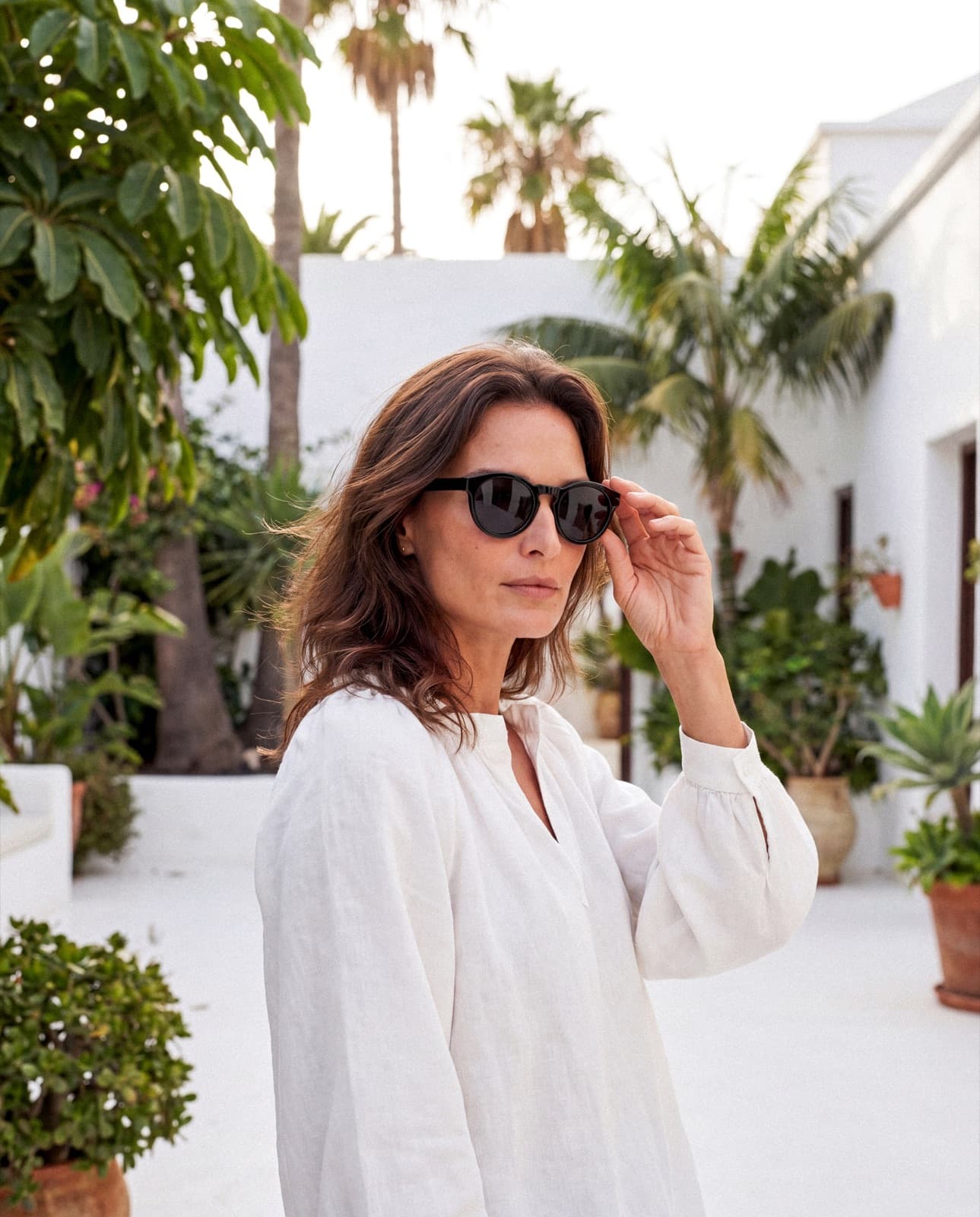
The product and model remain consistent while the environment, light, pose, and composition change.
05 / Product checks
Check the product before approval.
A beautiful image is useless when the frame shape, lens colour, material, or logo is wrong. We separate fixed product attributes from creative variables and make product review an explicit stage of the workflow.
- 01Geometry
Shape, proportions, hinges, and defining details match the reference.
- 02Material and colour
Frames, lenses, finish, transparency, and reflections remain believable.
- 03Human review
No asset is approved only because the system produced it.
- 04Output checks
Crop, resolution, file format, and channel specification are verified before delivery.
06 / The change
The team stopped starting from scratch.
Each asset starts with the same product and campaign brief. The team changes the model, outfit, location, or format inside the same run.
Creative variables are visible and repeatable.
One workflow supports product, lifestyle, portrait, and wide formats.
Approved work leaves in the resolution and crop the channel needs.
Questions
Direct answers.
What is a direct-to-consumer content system?
It turns product references and a creative brief into campaign images through the same set of controls, checks, and export steps each time.
How does the system keep the product consistent?
Product references and non-negotiable details are separated from creative variables. Every candidate is reviewed for geometry, colour, material, logos, and other defining details before it can enter the campaign set.
Can the same workflow create different models and locations?
Yes. Model, styling, location, composition, crop, and resolution are treated as explicit controls. They can change without rebuilding the production process from the beginning.